 Made in Canada
 Order Status
 Doors
Doors Windows
 (905) 303-0560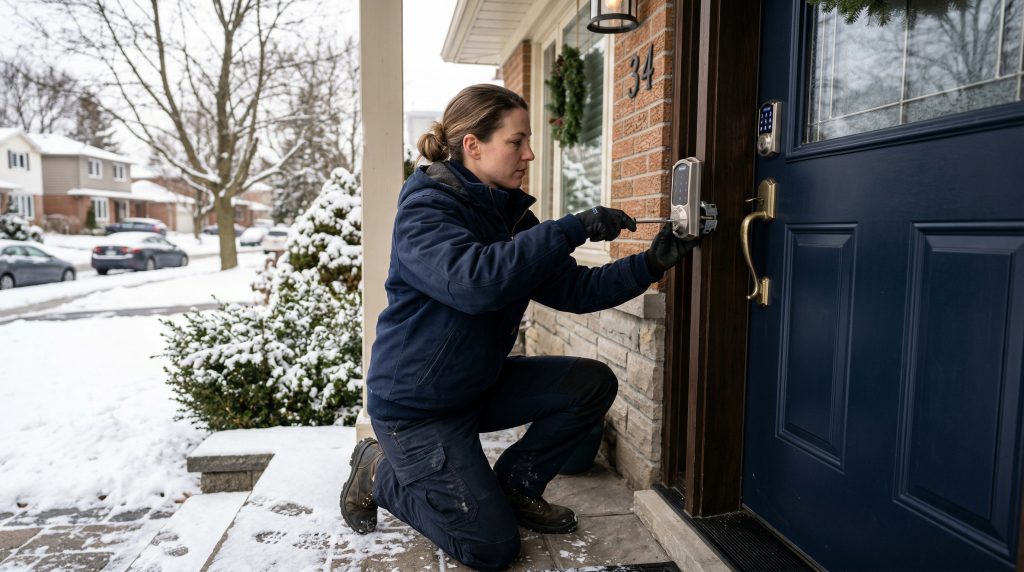
A smart lock on your front door used to feel like a luxury for tech enthusiasts. In 2026 it has quietly become the default upgrade for front door replacement across the GTA. The hardware is cheaper, the apps actually work, and most homeowners have stopped fumbling with keys in the snow. The catch is that not every smart lock survives a Toronto winter, and the marketing copy never tells you which ones fail at minus twenty. Here is what we have learned installing smart locks on hundreds of GTA entry doors, and how to pick one that still works in February.
What a smart lock actually does
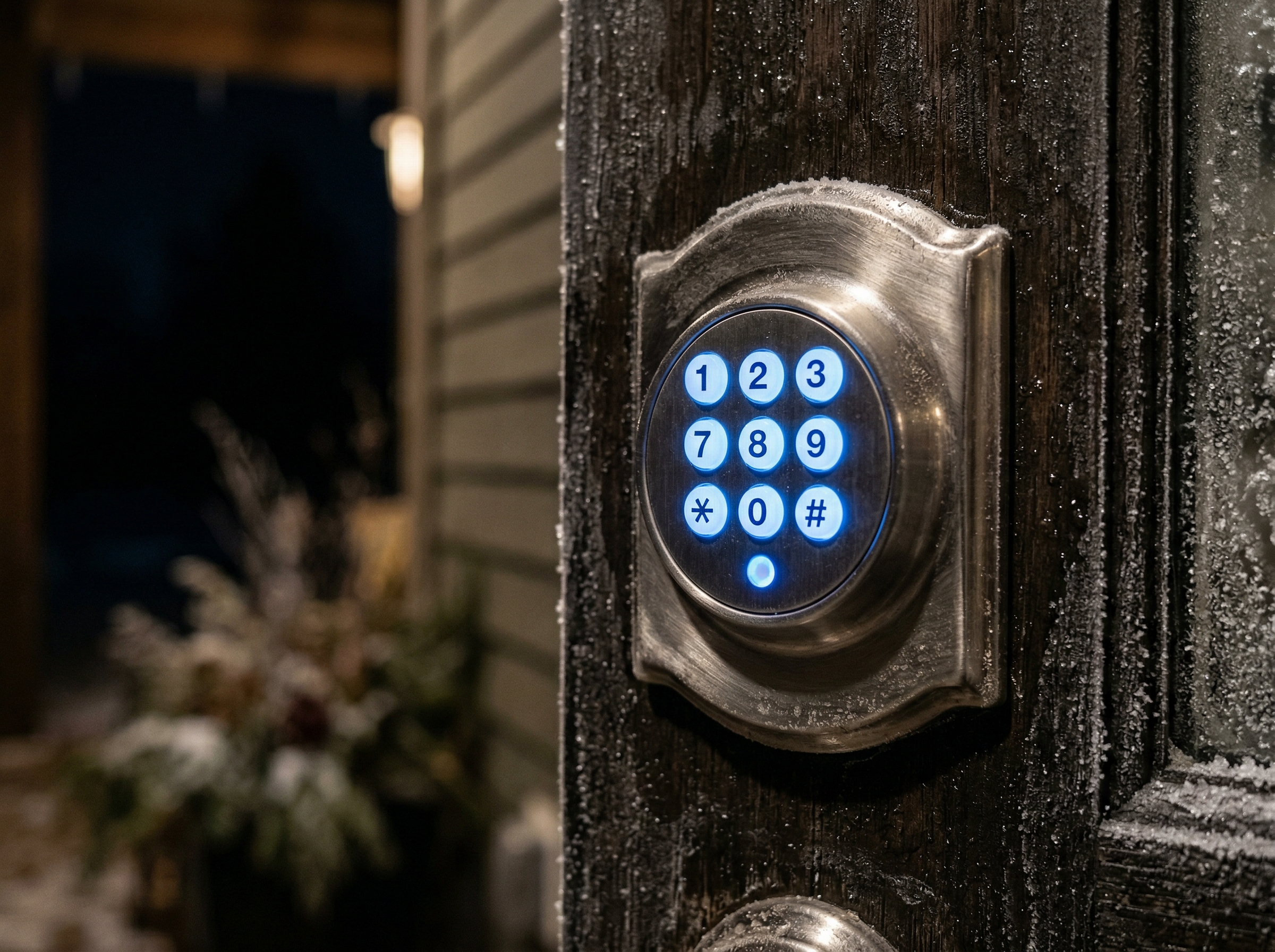
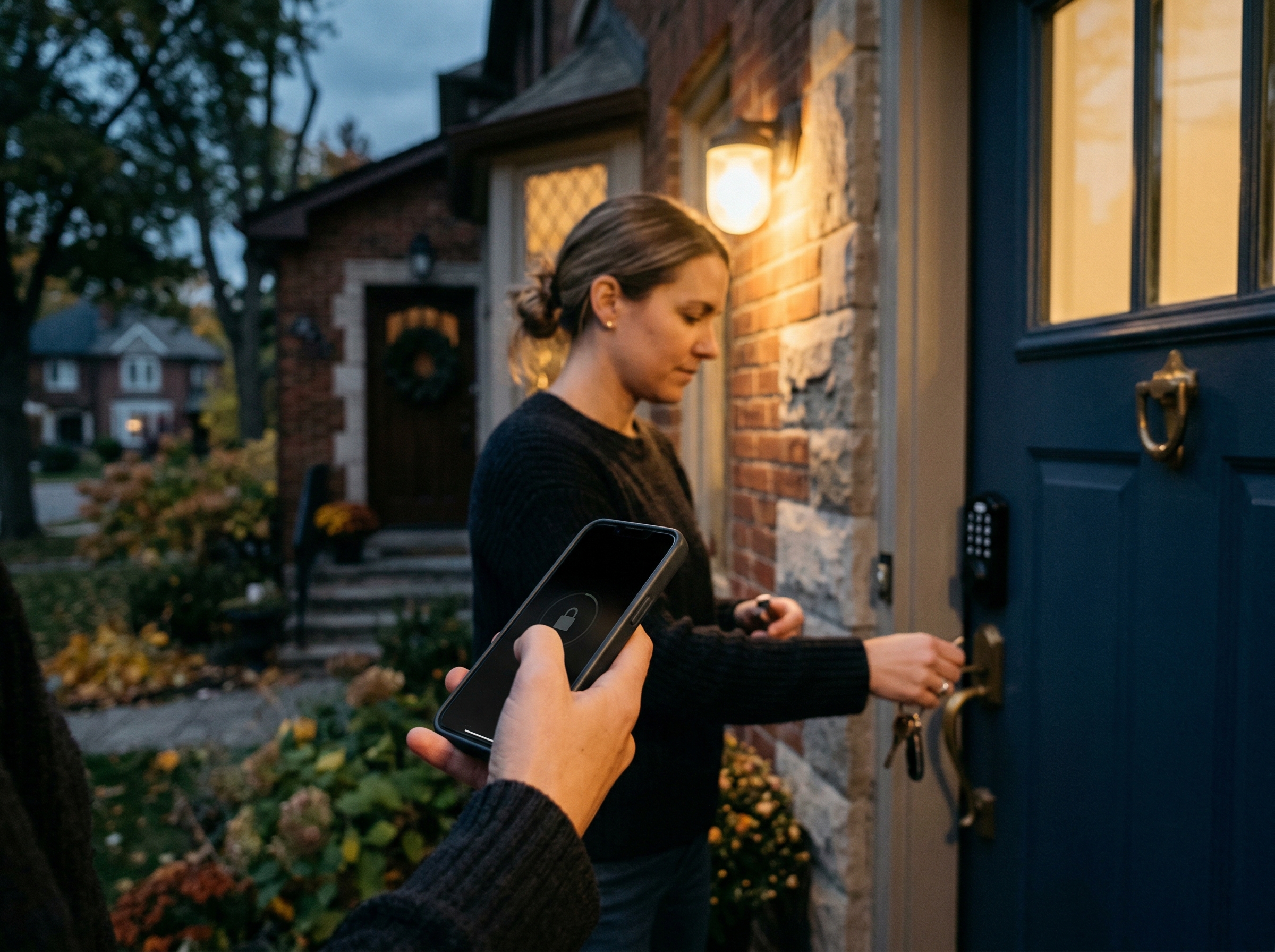
A smart lock replaces the deadbolt on your front door with an electronic version that you can lock and unlock several ways: a numeric keypad, a phone app, a key fob, voice command through Alexa or Google Home, or a traditional key as a backup. Some models add fingerprint readers, automatic locking when you walk away, and integration with home security systems through Z-Wave, Zigbee, Wi-Fi, or Matter. The lock body still throws a real metal bolt into the strike plate. Nothing about the actual security mechanism is electronic. The electronics control how you trigger the bolt.
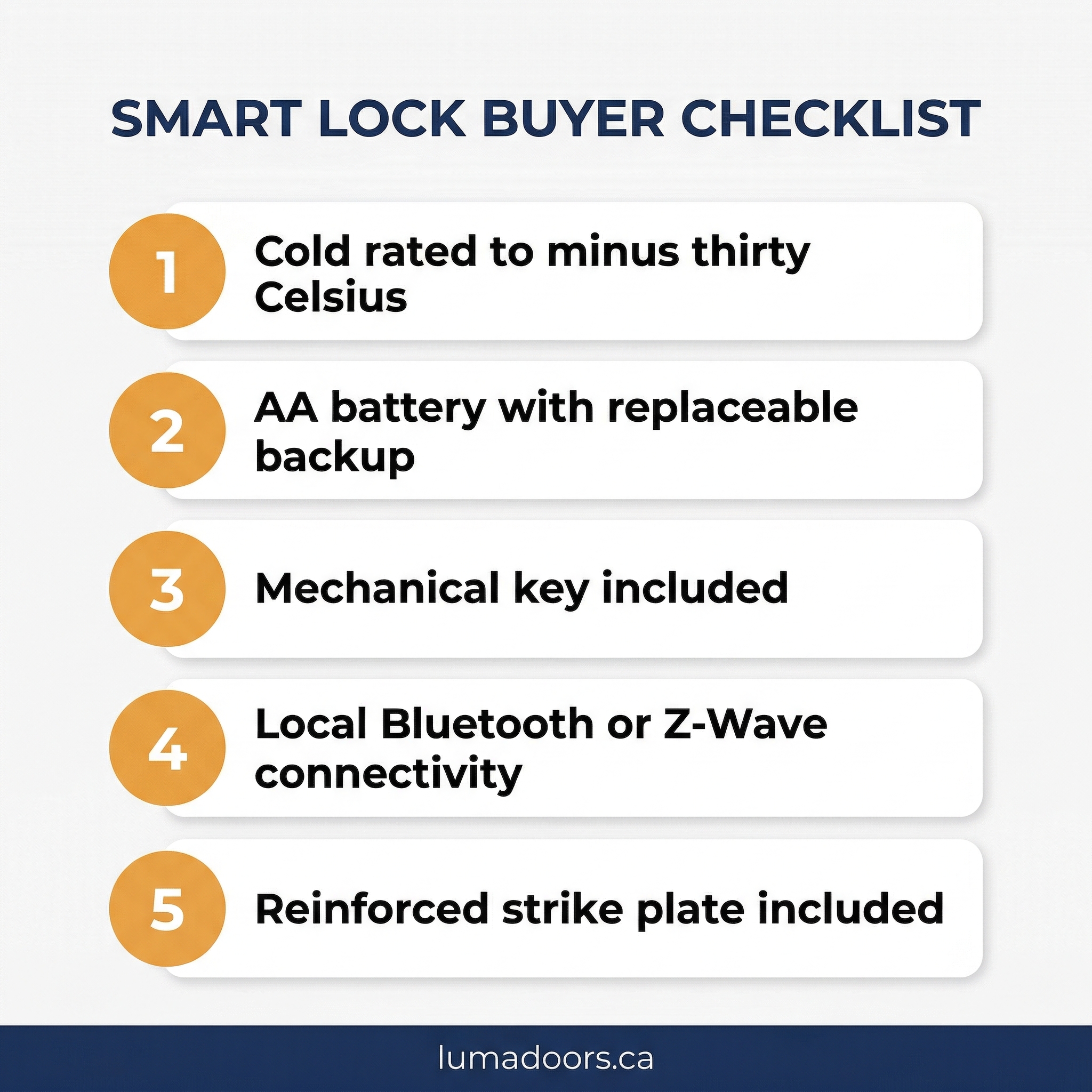
The five smart lock features that actually matter
1. Cold weather rating
This is the one spec the marketing pages bury. Most consumer smart locks are rated for indoor temperatures down to about minus ten Celsius. A Toronto front door in January regularly sits at minus twenty or colder on the exposed face, especially on north-facing entries. Below the rated minimum, the LCD screen freezes, the touch keypad stops registering presses, and the battery voltage drops fast enough that the lock refuses to operate until you bring it inside to warm up. We have replaced more than a few locks every winter that failed within their first cold snap. Look for a published operating range that goes to at least minus thirty Celsius.
2. Battery life and battery type
Smart locks run on AA batteries (usually four) or rechargeable lithium packs. AA-powered locks need fresh batteries every six to twelve months in normal use. Cold weather cuts that in half. A lock that drains its batteries in three months is going to lock you out at the worst possible time. Lithium packs last longer between charges but require you to remember to remove and recharge them, which most people forget until the lock is dead. The boring AA-powered locks with low-power Bluetooth and a solid mechanical fallback are usually the most reliable.
3. Mechanical key backup
Every smart lock should still have a physical keyway on the bottom or side of the body. When the batteries die in a cold snap or the firmware crashes after an update, the key is what gets you back inside. A handful of newer models have eliminated the keyway entirely in favour of a USB-C jump-start port. Skip those. The first time you have to charge your front door with a power bank in a snowstorm, you will wish you had bought the version with a real key.
4. Connectivity that does not require the cloud
The most reliable smart locks work locally over Bluetooth or Z-Wave without needing constant internet access to function. Wi-Fi only locks stop working the moment your router reboots or your provider has an outage. Bluetooth locks pair directly to your phone within range. Z-Wave locks talk to a local hub. Both keep working when the internet does not. Save the cloud features for the convenience extras.
5. Strike plate and door prep
A smart lock is only as strong as the strike plate it throws into. The factory strike plate that came with most older GTA front doors is held in by short screws into thin wood. We replace it with a reinforced strike plate and three-inch screws that bite into the framing every time we install a new lock. This single upgrade matters more for security than the brand of smart lock you choose.
Smart lock cost in the GTA in 2026
Smart lock pricing has dropped sharply since 2022. Realistic 2026 GTA ranges:
- Entry-level keypad deadbolt: $150 to $250 for a basic cold-rated keypad lock with Bluetooth, no Wi-Fi.
- Mid-range with Z-Wave or Matter: $250 to $400 for a model that integrates with home automation, has a published cold rating, and accepts standard AA batteries.
- Premium with fingerprint and Wi-Fi: $400 to $600 for a unit with biometric reader, full home automation, and remote access through the manufacturer app.
- Professional install: $80 to $180 added on top, including reinforced strike plate, lockset alignment, and weatherstripping check.
Most homeowners do well in the mid-range bracket. The premium features sound great in the showroom but matter less in daily use than reliability and battery life.
Installation reality on a GTA front door
Most smart locks are designed to drop into the existing deadbolt cutout on a standard residential door. On newer doors that have a clean factory bore, the install takes about thirty minutes. On older Toronto homes where the door was rebored over the years, the existing hole may be slightly off-spec, the door frame may be out of square, or the strike location may not line up. A misaligned strike is the number one reason a smart lock binds, drains its batteries trying to throw the bolt, and eventually fails. We adjust the hinges, plane the door edge if needed, and re-cut the strike on every retrofit install. This is the unglamorous work that makes the lock actually work day to day.
Smart locks and home insurance in Ontario
Most major Canadian home insurers now recognize smart locks with monitored alarm integration as an approved security feature, which can reduce theft-related premiums. The integration matters more than the brand. A lock connected to a monitored alarm system that can trigger an emergency response is a different category from a standalone keypad lock. Check with your insurer before assuming the upgrade qualifies for a discount.
What to avoid
Skip locks with no published cold weather rating, no mechanical keyway, no Z-Wave or Matter support, or rechargeable-only batteries with no replaceable backup. Skip the cheapest unbranded models on online marketplaces, which are often re-skinned versions of older firmware that no longer receives security updates. And skip any lock that requires a paid monthly subscription just to use basic remote unlock features. The good ones do not nickel-and-dime you for features that should be included.
Frequently asked questions
Will a smart lock work on my old wood door?
In most cases, yes. As long as the door has a standard deadbolt cutout (2 1/8 inch bore on the face, 1 inch bore in the edge), any retrofit smart lock will fit. Older custom doors may need minor reboring. We check this on the in-home estimate before quoting the install.
What happens if the batteries die when I am locked out?
You use the physical key in the side or bottom keyway. Most smart locks also have an emergency 9V battery contact on the exterior face that you can press a fresh 9V battery against to provide enough power to unlock once. Carry a spare 9V in your car glove box just in case.
Are smart locks easier to hack than traditional locks?
Modern smart locks from reputable brands use AES-256 encryption for the wireless communication and rolling key codes that change with each use. The most common way someone gets in is still kicking the door open against a bad strike plate. Reinforce the strike, then worry about firmware.
Can I install a smart lock on a sliding patio door?
Standard deadbolt-style smart locks do not fit patio doors. Patio doors use a different lock format (multi-point locks or specialized patio door locks). There are smart patio door locks, but they are a different product category from front door smart deadbolts.
Do smart locks work without Wi-Fi?
Bluetooth-only and Z-Wave models work without any internet connection. Wi-Fi-only models stop responding to remote commands when the internet is down, but you can still unlock locally with the keypad or physical key. Always have at least one offline unlock method.
Get a smart lock that actually works in a Toronto winter
Luma Doors installs cold-rated smart locks on entry doors across Toronto, Mississauga, Vaughan, and the rest of the GTA. We carry the models we have personally tested through Canadian winters and we will not install hardware we have seen fail. request a free in-home estimate and we will walk you through which lock fits your door, your security needs, and your weather exposure.